Club documents in the cloud, always up to date
Upload club documents directly, create folders, and control who sees them per list. Everything is stored securely in your Google Drive, and all members always see the latest version.
Upload and manage directly
Upload files directly in DigitalMembers and create folders, without opening Google Drive separately. Delete anything you no longer need with one click.
Control access per list
For each folder or file, you choose the authorised lists: board, leaders, juniors or any list from member management.
Always up to date, never duplicated
Members open documents directly from Drive. Changes are visible to everyone immediately.
Recommended by
 Tesla Owners Switzerland
 TSV Rohrdorf
 Altpfadi Adler Aarau
 Kunst- und Geräteturnen Kleindöttingen
 Radfahrerverein der Stadt Winterthur
 Turnverein Eien-Kleindöttingen
 Schwingerclub Rothenburg
Your Drive structure stays the way it is
You create new folders directly in DigitalMembers or link existing Drive folders and assign member lists to them. No need to restructure your Drive.
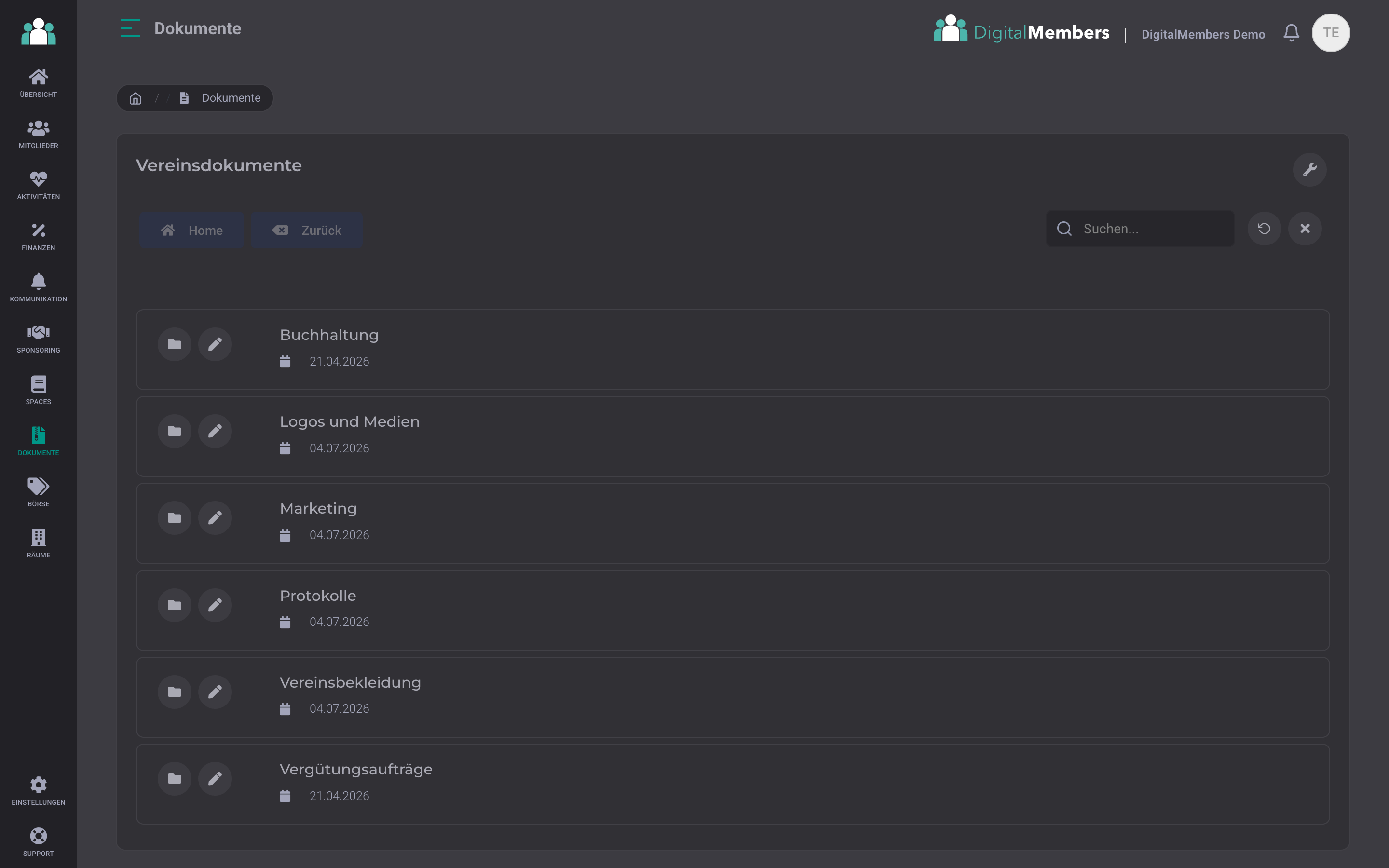
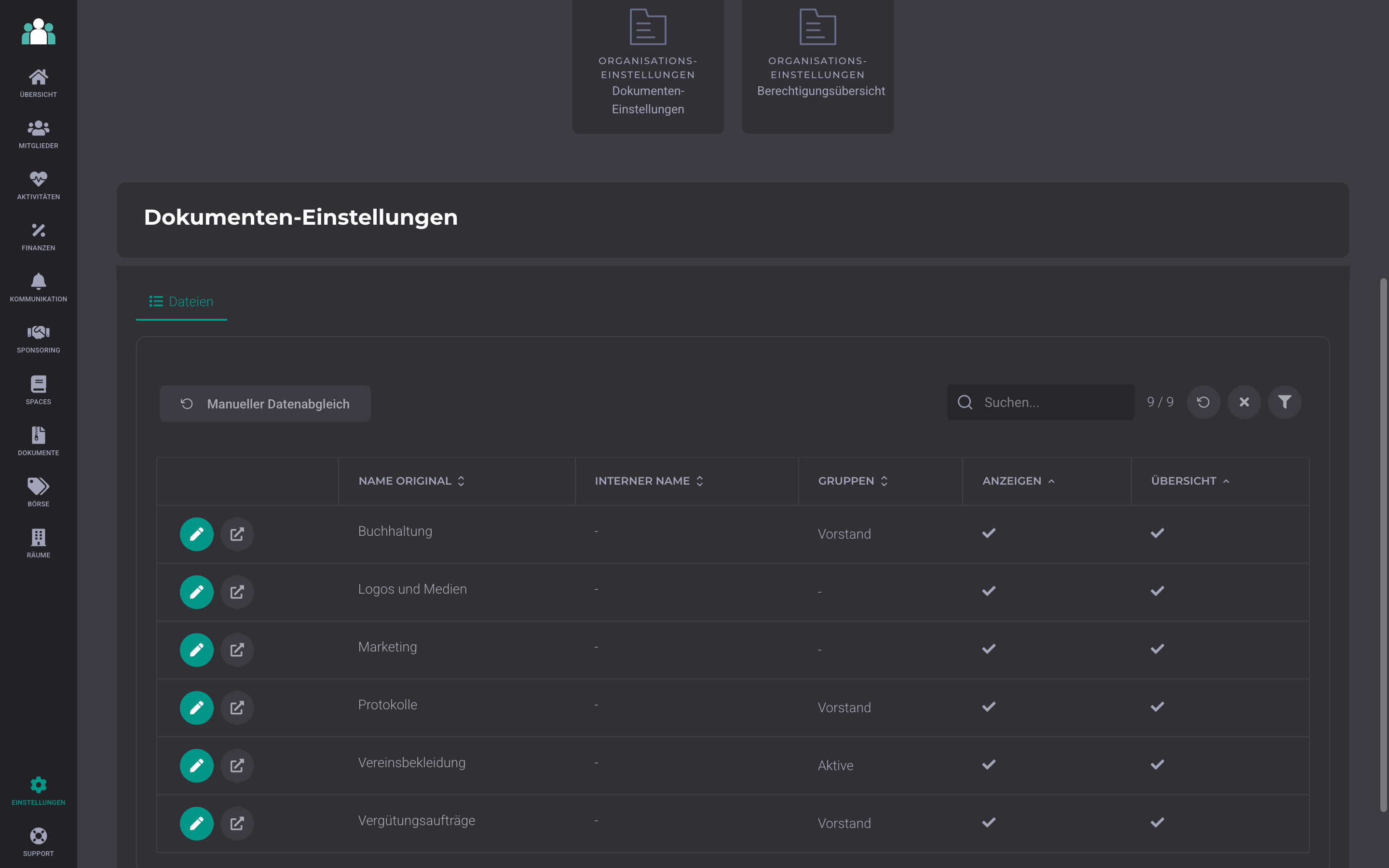
Read access by DigitalMembers lists
For each folder, you define which DigitalMembers lists have read access: the committee sees the minutes, all active members see the club clothing, and accounting only those who need it. Each list gets its own section without copying files. If you change a list assignment in member management, access updates automatically the next time it is opened.
Upload documents by dragging and dropping
Drag your files directly from your computer into the open folder, including several at once. They appear in the list right away, with no need to go through a dialog. If you prefer to click, you can still upload them using the button.
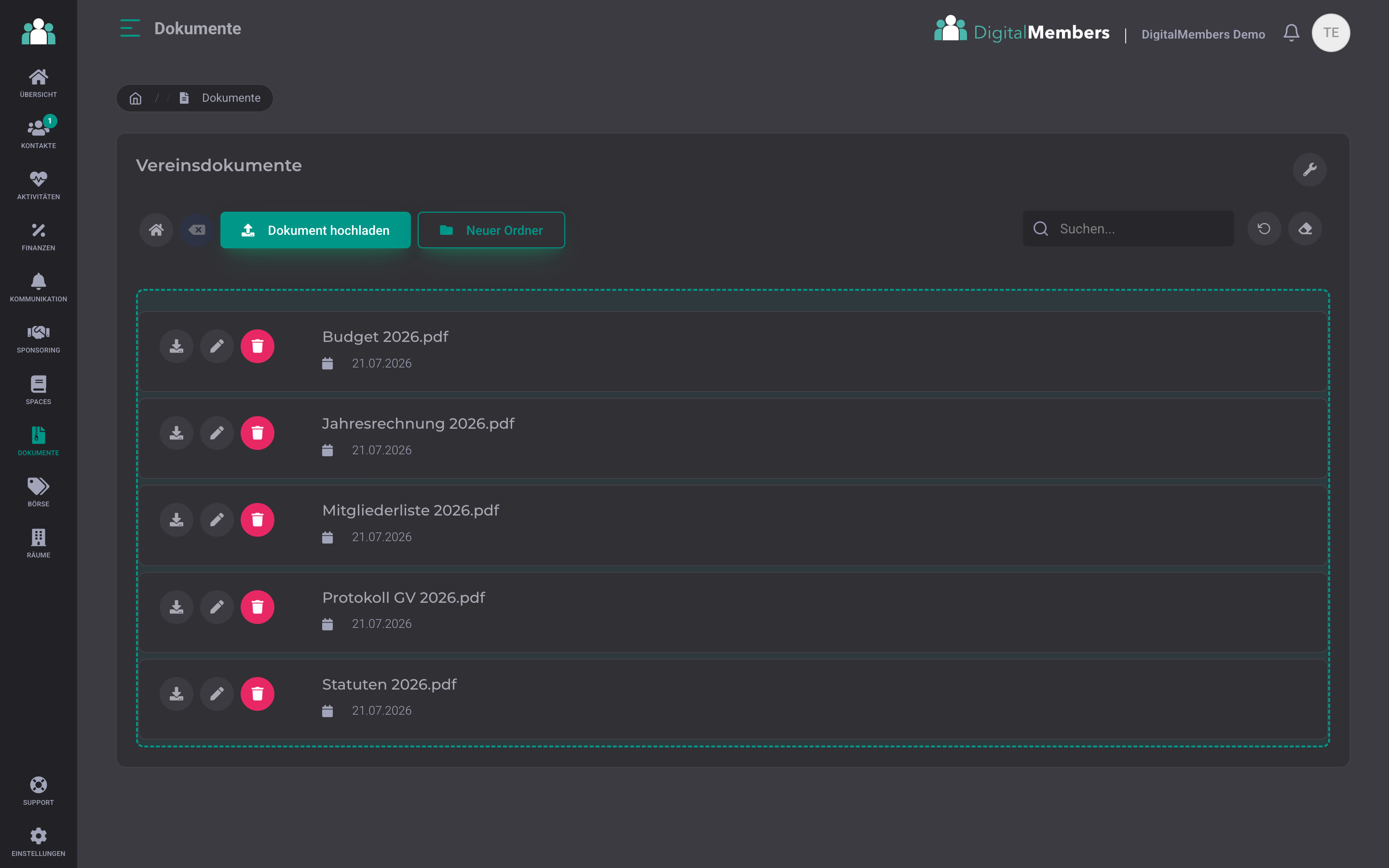
Create and tidy up folders
Create folders directly in DigitalMembers and upload files into them. If you delete something, it goes to the Google Drive trash and can be restored if needed. New files appear immediately, with no waiting time.
Nothing gets lost
Drive version history applies per file. You can roll back accidental overwrites directly in Drive.
Frequently Asked Questions
- Can I upload files directly in DigitalMembers?
- Yes. Only document admins, meaning people with the documents permission, can upload files, create folders, and delete them. Separately from that, sharing per member list lets you control who is allowed to view the documents.
- Does the club need a paid Google account?
- A free Google account with 15 GB of storage is enough for typical club documents. Members don’t need one themselves; they open everything directly via DigitalMembers.
Drive for your club, distributed properly
Google Drive for storage, DigitalMembers for access control. One place for everything, no duplicate versions.
Try for free